
Wonderful Value
Blindster's blinds were easy to order and install. For the value, we couldn't do any better from choosing the blinds online to the finished product. Thanks Blinkster!
Ccortright ·
10 Free Samples • 2-Day Rush $5
Financing Available
Fit Or Free Guarantee
Free Shipping
60-Day Satisfaction Guarantee
What customers say about it, in their own words.
Questions & Answers (101)4.73
Based on 709 reviews
Summarized by AI from customer reviews
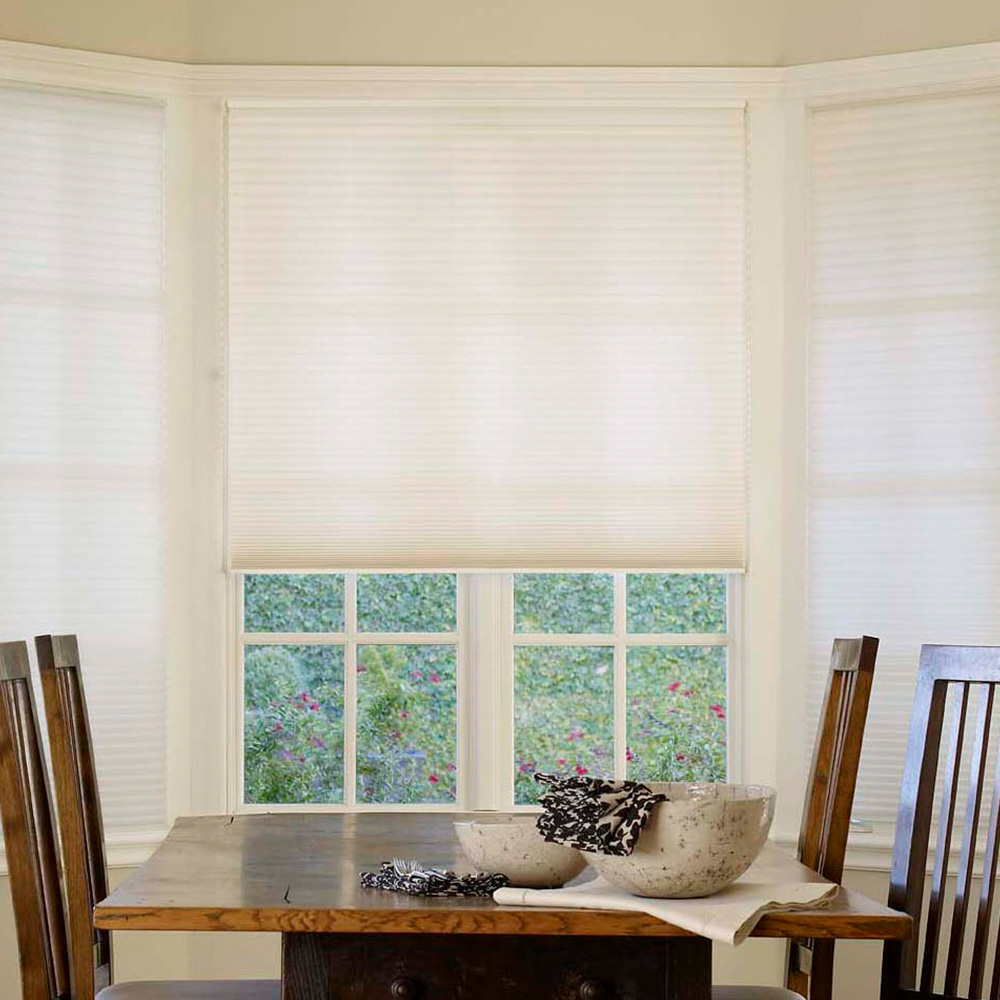
Customers praise the perfect fit and easy installation of these shades, with many noting the sizing is consistently accurate and simple to mount even for first-time installers. The sleek design and high-quality materials enhance room appearance while providing excellent light filtering and privacy. Customers are extremely satisfied with the reliable performance and value, with many purchasing additional units for other windows.
709 reviews
Blindster's blinds were easy to order and install. For the value, we couldn't do any better from choosing the blinds online to the finished product. Thanks Blinkster!
Ccortright ·
Had the blinds in short order and was very easy to install. Would definitely recommend Blindster.
Gmangolfr ·
Had the blinds in short order and was very easy to install. Would definitely recommend Blindster.
Gmangolfr ·
I'm happy with 4 of the 6 blinds...two of them do not move up smoothly.
Response from Blindster
I'm sorry that you are having problems with your cordless shades. The cordless cellular shades are designed to be self-correcting. To reset your cordless shades: Lower the shade down to its full height. Firmly hold the bottomrail with both hands and pull it towards you (away from the back of the window at an angle). Quickly and firmly pull down (popping) on the bottomrail 3 or 4 times. Raise and lower the shade, repeat as necessary. These steps should rest the cordless motors in the headrail so that the shade will raise and lower properly. If these steps do not work, please let us know and we will remake or repair the shades as needed. I tried to leave you a message but the mailbox was full. I sent you an email with my contact information.
Gibsoniit ·
I'm happy with 4 of the 6 blinds...two of them do not move up smoothly.
Response from Blindster
I'm sorry that you are having problems with your cordless shades. The cordless cellular shades are designed to be self-correcting. To reset your cordless shades: Lower the shade down to its full height. Firmly hold the bottomrail with both hands and pull it towards you (away from the back of the window at an angle). Quickly and firmly pull down (popping) on the bottomrail 3 or 4 times. Raise and lower the shade, repeat as necessary. These steps should rest the cordless motors in the headrail so that the shade will raise and lower properly. If these steps do not work, please let us know and we will remake or repair the shades as needed. I tried to leave you a message but the mailbox was full. I sent you an email with my contact information.
Gibsoniit ·
The bracket is poor. I had to repair some of them. The heads on the provide screws are too big. The previous blinds I purchased from you did not have this problem. Why did you change?
Lwoodhead4 ·
The bracket is poor. I had to repair some of them. The heads on the provide screws are too big. The previous blinds I purchased from you did not have this problem. Why did you change?
Lwoodhead4 ·
Purchased two different size Premium light scattering shades and they were an excellent value. I would highly recommend Blindster.com.
Rgrexa ·
Purchased two different size Premium light scattering shades and they were an excellent value. I would highly recommend Blindster.com.
Rgrexa ·
Blindster made it very easy to purchase my blinds. One blind was made wrong...they immediately offered a replacement or a refund. Great customer service!
Kkirtley63 ·
Blindster made it very easy to purchase my blinds. One blind was made wrong...they immediately offered a replacement or a refund. Great customer service!
Kkirtley63 ·
the price and quality cant be beat i would recommend these shades to everyone
Lbogig ·