
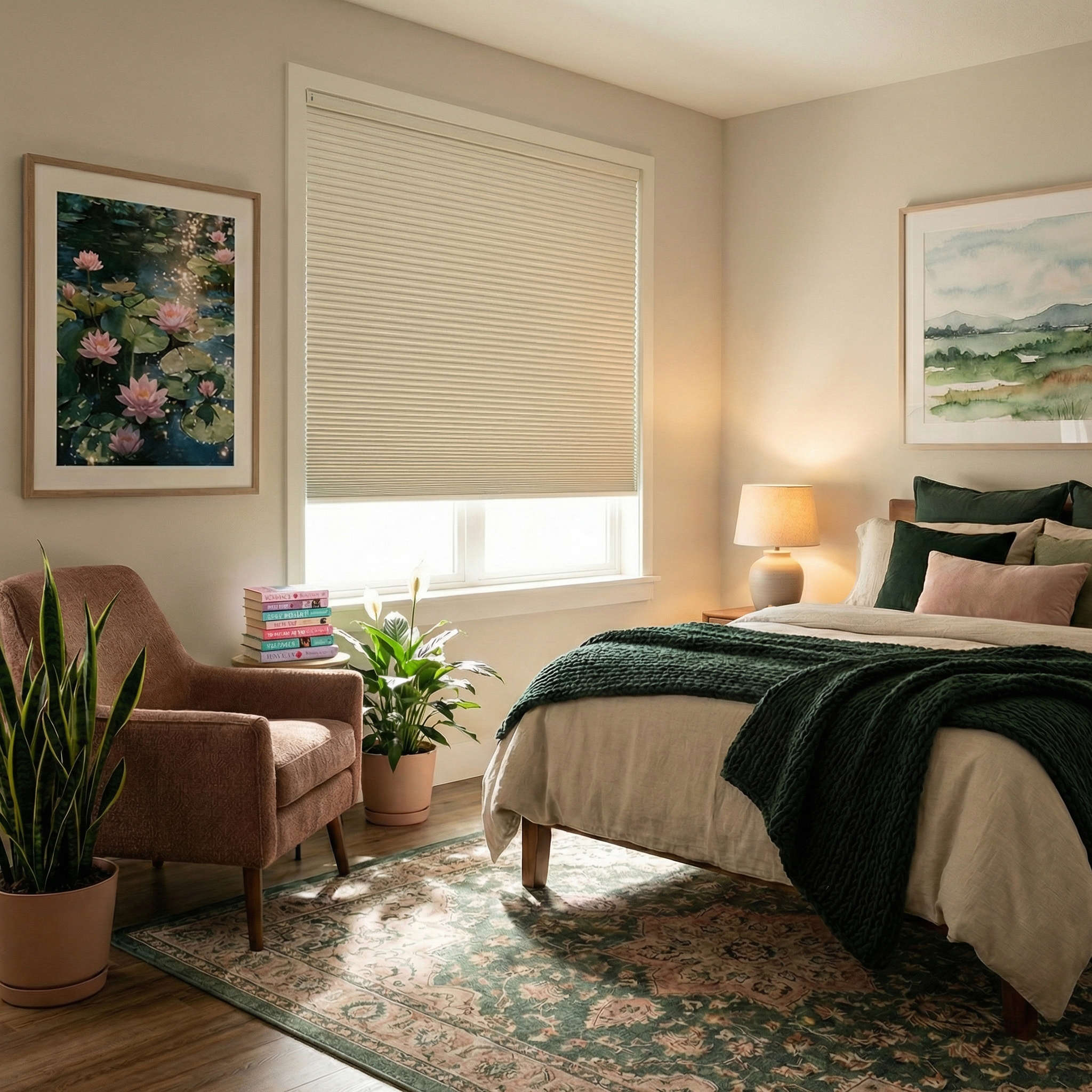
Motorized Deluxe Blackout Double Cellular Shades Questions & Answers
What shoppers asked about it, answered by our team.
Customer Reviews (2)Customer Questions
3 questions
Does the remote feature a timer? For example, if I want the shades to open at 6:00 am, can I set that up?
Asked by Sabrina ·
Hi Sabrina, thank you for your question! To take advantage of home automation features—such as having your shades automatically open at 6:00 a.m.—you'll need to purchase both a Smart Hub and a remote. Once the shades have been programmed to the remote and connected to the Smart Hub, you'll be able to create schedules and routines to automatically raise and lower your shades at the times you choose. If you have any further questions, please feel free to give us a call, start a live chat or send us an email!
Answered by Blindster ·
I'm only purchasing one motorized shade. Is a remote provided with the shade or do I have to purchase one separately? On your ordering sheet there is a multi remote for sale that controls multiple shades, which I won't need as I am only purchasing one motorized shade.
Asked by Teri ·
Hi Teri, thank you for your question! You will need to purchase at least one remote to program and control the Motorized Deluxe Blackout Double Cellular Shade. If you choose to purchase more in the future, you may not need to purchase another remote as this remote can control up to 15 shades. If you have any further questions, please feel free to give us a call, start a live chat or send us an email!
Answered by Blindster ·
Ordering one sample shade to make sure I’m doing everything correctly… then planning on ordering 5 more…will I receive the remote with the one and then will it work with the other 5 I will then order? Thanks
Asked by Joyce ·
Hello Joyce, Yes, that same remote will work with your other shades. You will need to program them to connect to the remote; however, we include instructions for this purpose.
Answered by Blindster ·